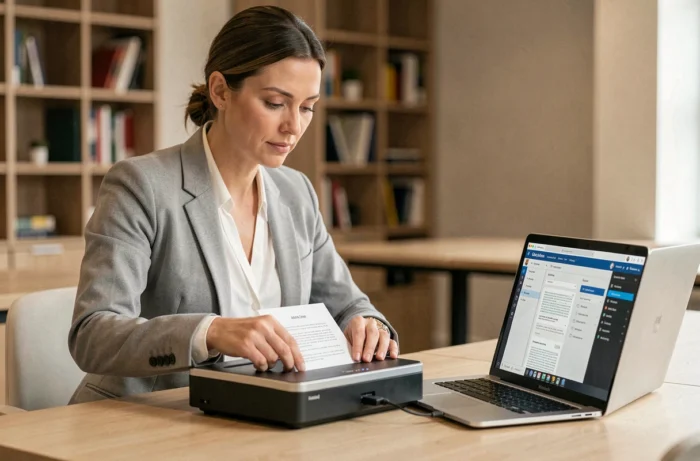
Scanning software is no longer just about capturing an image and generating a PDF. With the mandatory electronic invoicing coming into effect in France from September 2026, the choice of a scanning tool directly impacts the company’s document compliance. Here, we detail the technical criteria that differentiate basic scanning software from a solution that is truly usable in a professional environment.
Faithful Scanning and NF Z42-026 Standard: The Criterion That Comparisons Overlook
Most selection guides compare software based on their OCR engine, interface, or price. None address the question of the legal value of the digital copy produced.
In France, the NF Z42-026 standard defines the conditions under which a digital copy can legally replace the original paper document. A standard scan, even in high resolution, does not meet these conditions. The software must ensure the fidelity of reproduction, timestamp the file, and in some cases, apply an electronic seal or a signature compliant with the eIDAS regulation.
For documents with legal value (contracts, paper supplier invoices, accounting documents), we recommend checking that the software integrates or interfaces with an archiving system that complies with this standard. A tool that produces a PDF/A without traceability metadata remains insufficient in a tax or legal audit context. Selecting the best scanning software on The Infos du Geek requires evaluating this aspect even before looking at automatic cropping features.
OCR Engine and Structured Data Extraction: Beyond Plain Text
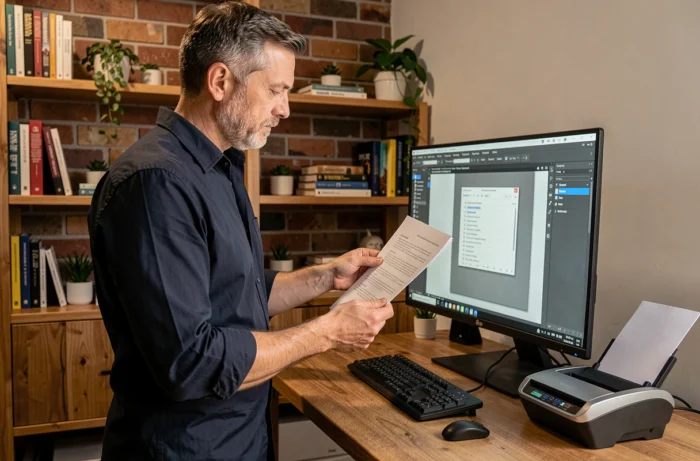
All scanning software features an OCR function. The difference lies in what the engine produces as output.
A first-generation OCR converts an image into plain text, often with errors on accented characters or tables. Recent engines, powered by document vision models, extract structured data: invoice fields, table rows, amounts, dates, VAT numbers. This distinction radically changes usage.
Output Formats and Interoperability
Software that only exports in PDF or JPEG limits the downstream processing chain. To feed an ERP, a document management system, or an electronic invoicing platform, the output format must be structured.
- The Factur-X format (hybrid PDF embedding an XML file) allows for the direct integration of a scanned document into an electronic invoicing flow compliant with French obligations for 2026-2027.
- Exporting in JSON or CSV facilitates the injection of extracted data into business databases without manual re-entry.
- The PDF/A-3 format, which allows for embedding structured attachments, strikes a good balance between human readability and machine usability.
We observe that Factur-X compatibility is becoming a priority selection criterion for any company subject to VAT, given the regulatory timeline.
Mobile Scanning Software or Desktop Application: Technical Selection Criteria
The choice between a mobile application (Android, iPhone) and desktop software depends less on user comfort than on the volume and criticality of the documents being processed.
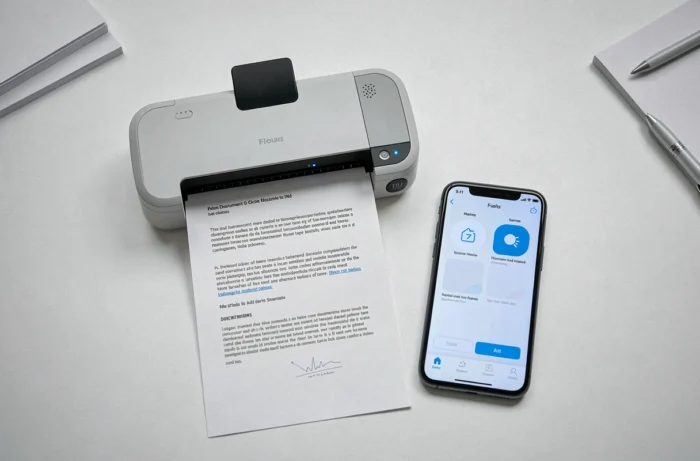
A mobile application like Adobe Scan or Genius Scan is suitable for occasionally scanning notes, receipts, or field documents. The processing relies on the smartphone’s camera sensor, with perspective correction and automatic image quality enhancement. For regular use on the go, these applications fulfill their role.
Limitations of Mobile Applications for Structured Document Use
Once the volume exceeds a few dozen pages per day, or when documents require a minimum resolution of 300 dpi for legal archiving, desktop software coupled with a dedicated scanner remains the reference. Smartphone sensors introduce variations in brightness and sharpness that post-processing does not always correct. A sheet-fed scanner produces consistent quality, page after page.
The discriminating criterion: check if the mobile software allows direct export to the company’s document management system or invoicing system, without going through an intermediate storage in the provider’s cloud. The question of personal data processing arises immediately when sensitive documents pass through third-party servers.
B2B Electronic Invoicing and Scanning Software: Articulating the Two Tools
From September 2026, all companies subject to VAT in France must be able to receive structured electronic invoices via an approved platform. SMEs and micro-enterprises have an additional deadline until September 2027 for issuance.
A scanning software that produces a simple scanned PDF does not meet this requirement. The invoice must transit under a structured format (UBL, CII, or Factur-X) via a partner dematerialization platform (PDP) or the public invoicing portal.
In practice, scanning software intervenes upstream for supplier invoices still received on paper. It must extract the data, structure it, and then transmit it to the approved platform. A software without a connector to a PDP creates a break in the flow that necessitates manual re-entry, negating the productivity gains expected from digitization.
- Check for the presence of an API or a native connector to the main PDPs on the French market.
- Ensure that the software manages the automatic matching between the scanned invoice and the extracted structured data.
- Verify that the output format is accepted by the public invoicing portal without additional conversion.
The market for scanning software is now segmented between consumer tools (photo, note scanning, personal archiving) and professional solutions capable of integrating into a regulated document chain. A comparison focused solely on the quality of the OCR or the subscription price overlooks this reality. The right scanning software is one that produces a document usable by the system that receives it, not just a file readable on the screen.