
You are changing your internet provider, but your entire digital life revolves around your @orange.fr address. Online registrations, exchanges with the administration, professional contacts: losing this Orange email address is like cutting an invisible thread that connects dozens of services. The good news is that canceling your internet subscription does not automatically delete your email account.
ARCEP Legal Obligation: Why Orange Cannot Delete Your Email Overnight
Many believe that maintaining the email address after cancellation is a commercial gesture from Orange. This is not the case. The Postal Code mandates a minimum of six months of retention after the end of the contract, under the supervision of ARCEP.
Six months is a minimum, not a maximum. Orange can extend this period but has no right to shorten it. During this time, you can continue to send and receive messages from the orange.fr portal, a mobile app, or standard email software.
Before canceling, several users wonder how to keep their Orange email address after cancellation without unpleasant surprises. The main trap does not come from the timeframe itself, but from what happens if you haven’t prepared your account in advance.
Valid Contact Methods: The Blockage Point That No One Prepares For
Your Orange password expires, you click on “forgot password,” and the reset link goes to… your old @orange.fr address, the very one you no longer have access to. This scenario traps thousands of former subscribers every year.
Provide an alternative email address and a valid mobile number in your contact methods before any cancellation. Without this, in case of a password loss, you will lose total access to your email account, even if it technically remains active for six months.
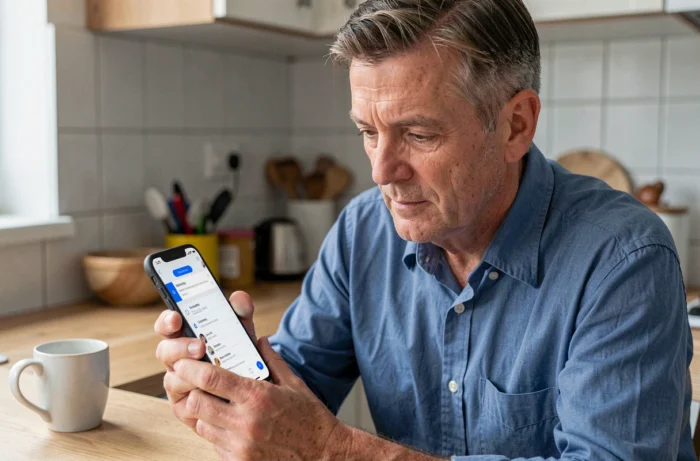
The verification takes two minutes from the Orange customer area, under “Personal Information.” Choose an email address that you control with an independent provider (Gmail, Proton, or any other service not linked to an internet subscription). An active mobile number adds to the security.
Secondary Addresses: Same Treatment
If you were using secondary email accounts created from your main Orange account, they follow the same rules. Each secondary address benefits from the six-month period after cancellation, provided it was activated before the end of the contract.
An address created but never used (no logins, no emails sent) may not be maintained. Log in at least once to each of your secondary accounts before the effective cancellation date.
Orange Customer Area and Email Account: Two Different Lifespans
You left Orange four months ago, and your email account is still functioning. But have you thought about downloading your invoices? The customer area (account management, invoices, options) and the messaging service do not follow the same timeline.
The customer area remains accessible for about twelve months after cancellation, which is double the minimum guaranteed for the messaging service. This longer window allows you to retrieve documents (invoices, certificates) even after the potential closure of the email account.
Take advantage of these first months to:
- Download all your invoices in PDF format from the customer area, especially those useful for taxes or disputes
- Export your contacts from the Orange address book to a reusable .vcf or .csv file for any service
- Transfer the emails you want to keep to your new address, either forwarding them one by one or in bulk via email software configured with IMAP
Backing Up Your Orange Emails Before the Cutoff: A Concrete Method
Waiting until the last day to recover your messages risks unstable access or a denied connection. As soon as you confirm the cancellation, start the backup.
IMAP Configuration to Retrieve Your Emails
Set up your Orange account on software like Thunderbird (free) using the IMAP protocol. The IMAP protocol synchronizes all your folders and subfolders, not just the inbox. Once the emails are loaded locally, you have a copy on your computer, independent of the Orange server.
The connection settings remain the same after cancellation: incoming server imap.orange.fr, outgoing server smtp.orange.fr. Your username is your full @orange.fr address.
Automatic Forwarding to the New Address
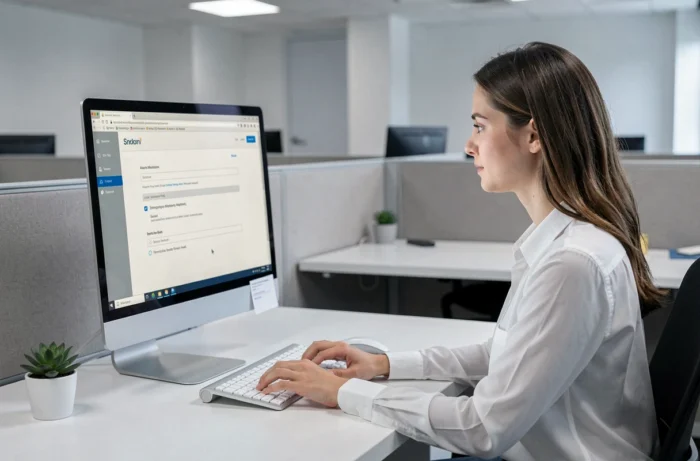
From your Orange email settings (accessible via the orange.fr webmail), enable email forwarding to your new address. Every message received at the old address will be automatically copied to the new one.
This forwarding works as long as the account remains active, which is during the minimum six months post-cancellation. Notify your contacts of the address change in parallel, as the forwarding will eventually stop.
- Send a group email to your regular contacts with your new address
- Update your address on the sites where you have an account (bank, insurance, administration, social networks)
- Check newsletters and automatic alerts that will continue to arrive at the old address
Special Case: Cancellation After a Death
When a loved one passes away, their heirs can request the cancellation of the Orange subscription. The deceased’s email account remains subject to the same six-month retention rules. Relatives can request access to the account or the deletion of personal data by providing a death certificate and proof of heirship.
The GDPR governs this situation: the personal data of a deceased person can be retained or deleted upon request from the heirs. Contact Orange customer service with the necessary documents to avoid the permanent loss of sometimes valuable correspondence.
Maintaining your Orange email address after cancellation relies on a simple but demanding process of anticipation. Update your contact methods, back up your emails via IMAP, forward incoming messages, and retrieve your invoices from the customer area while it remains open. Six months go by quickly when you forget to take care of it.